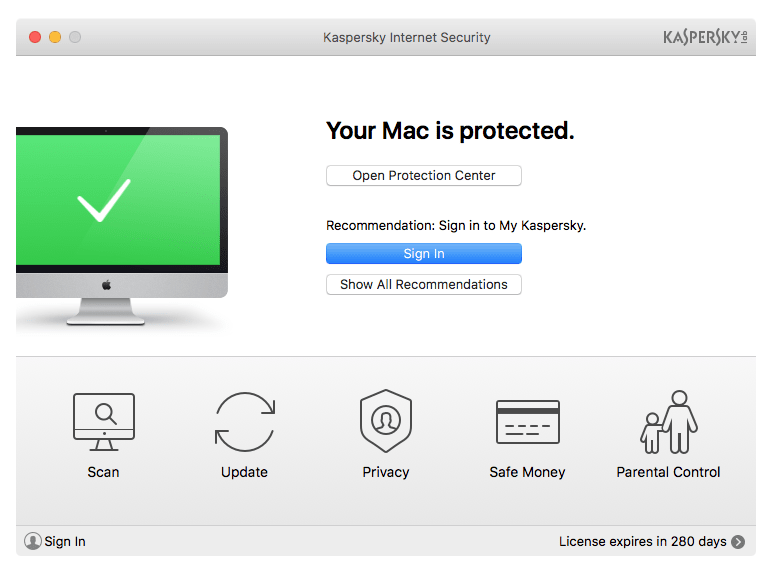
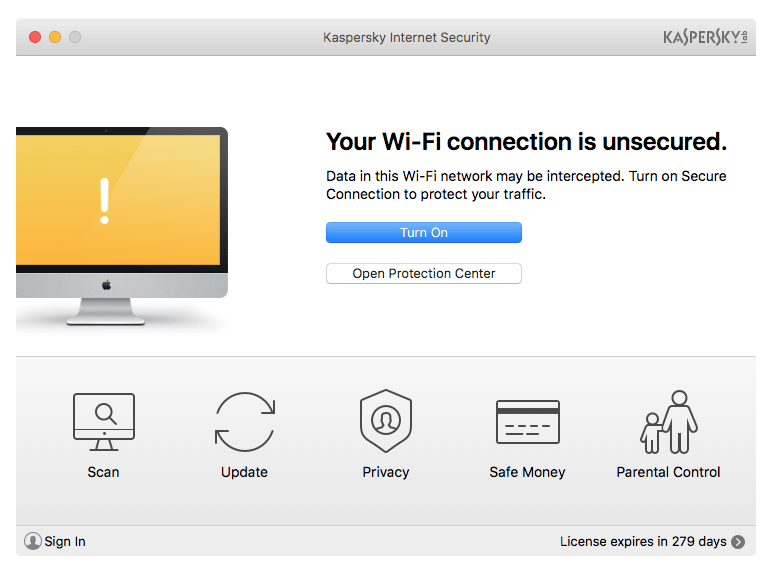
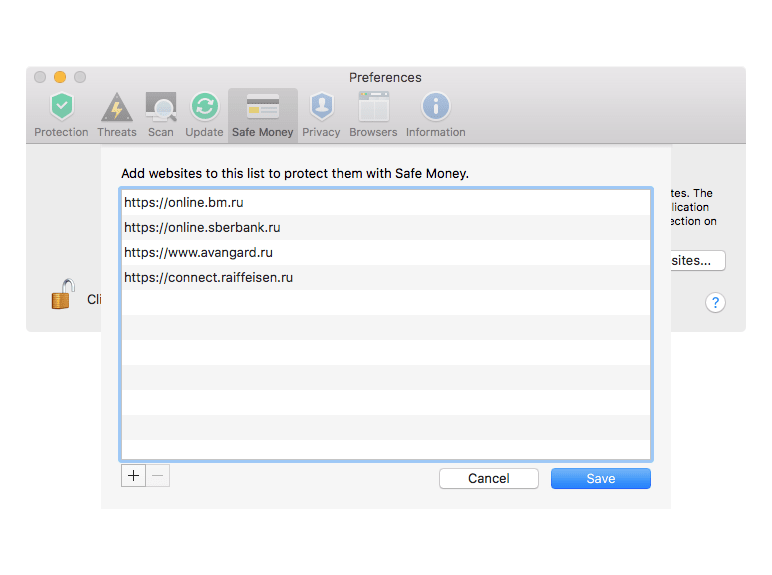
Mac users are increasing rapidly due to the availability of several appealing Apple devices. As a result, cybercriminals are targeting security holes in the Mac operating system as well as user interactions. For this, Kaspersky Plus, formerly known as Kaspersky Internet Security, is a tremendous solution. Prospective users should note that Kaspersky is now banned from sale and operation in the United States.
Network and browsing defense
Kaspersky Lab developed the product for Mac to focus on securing user content and electronic resources. This tool controls user interaction on the internet by providing suspicious activity notifications for any website, shared resource, or unknown data source.
Threats like file viruses and worms spread in several ways, such as file sharing, email attachments, downloading files, instant messaging, and website browsing. The tool defends against all kinds of old and new threats, from computer viruses and suspicious spyware to risky worms and more.Preventing local network infections
Due to the distributed nature of data networks, computer viruses are designed by attackers to spread. A virus-infected Mac system can easily be responsible for infecting other systems in the local network. Kaspersky Plus prevents such expansion over a private network.Phishing and traffic scanning
On a broader scale, internet users frequently experience web-based threats. Sophisticated phishing attacks attempt to steal user IDs, passwords, billing info, social network identities, credit card details, and other sensitive credentials for the purpose of misuse. Kaspersky Plus provides prevention by scanning incoming and outgoing traffic, determining whether websites contain any malicious code that could infect the user.Virtual keyboard and parental controls
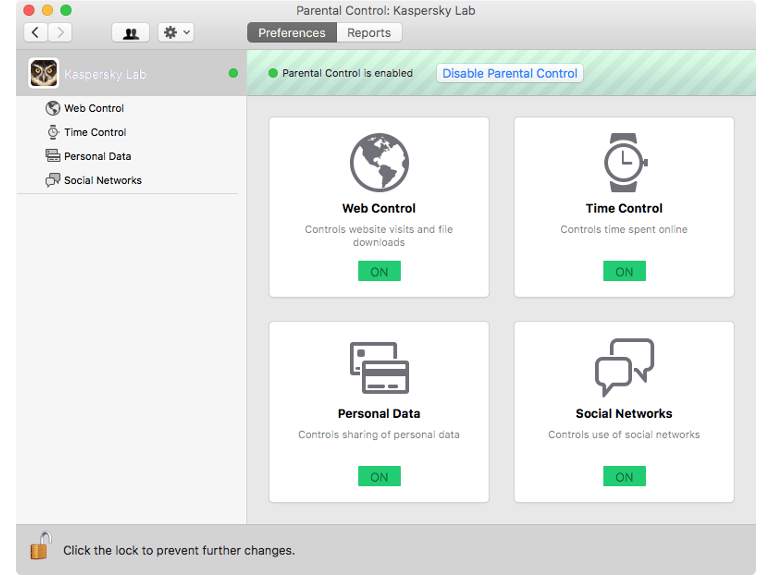
Its built-in virtual keyboard technology offers the secure exchange of user information by preventing keyloggers or keypress interceptors from tracking your typing. Moreover, it provides manageable parental controls for kids. It can restrict children online, limiting web browsing, emailing, social networking, and file downloads. Thus, parents can control when their children use the internet and exactly how they use it.