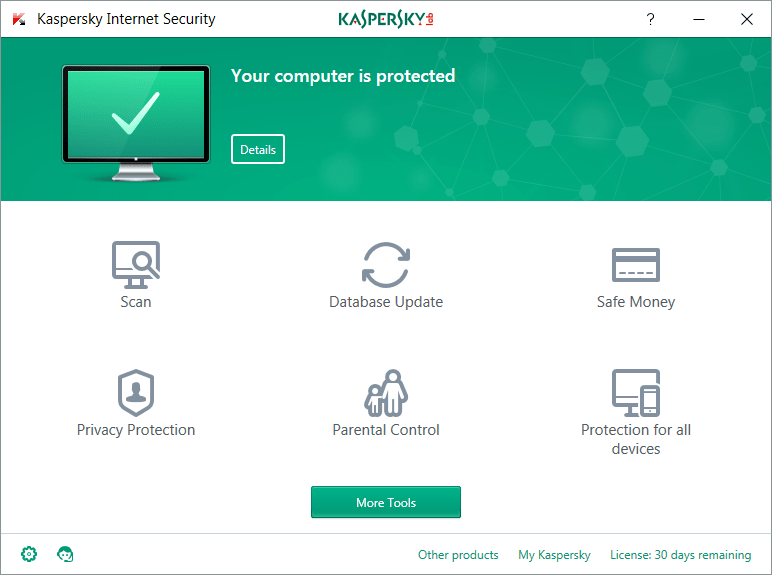
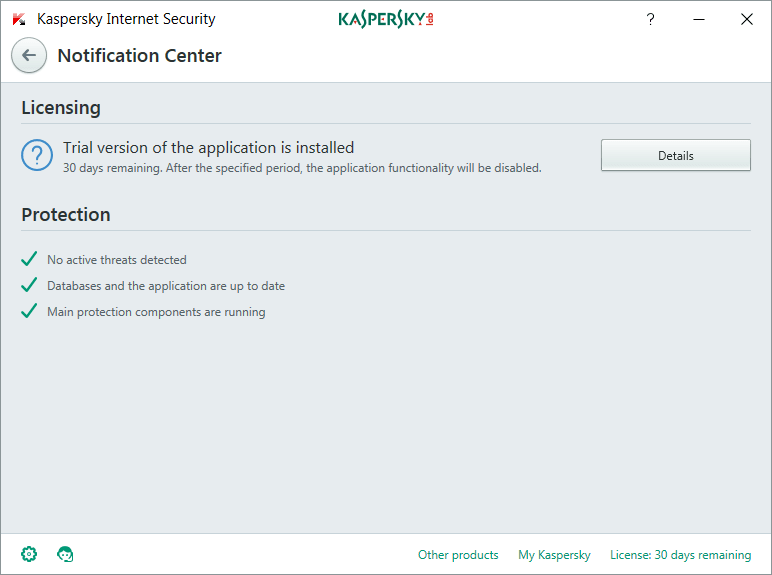
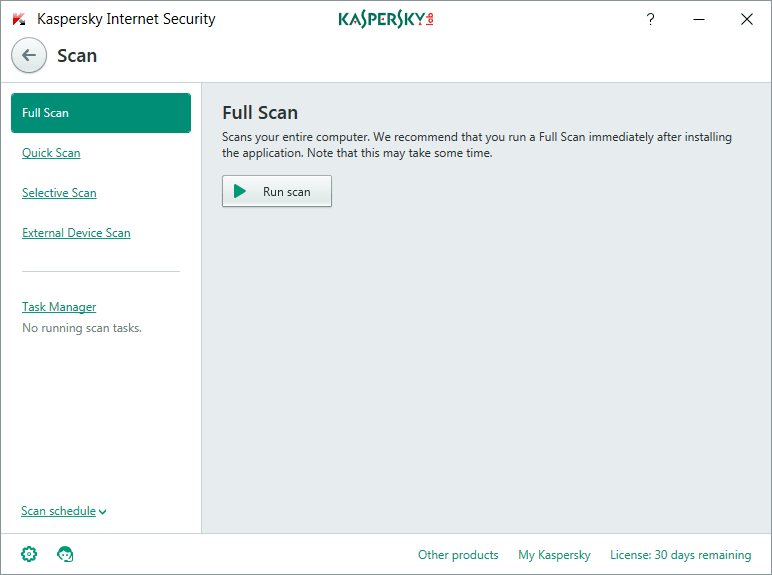
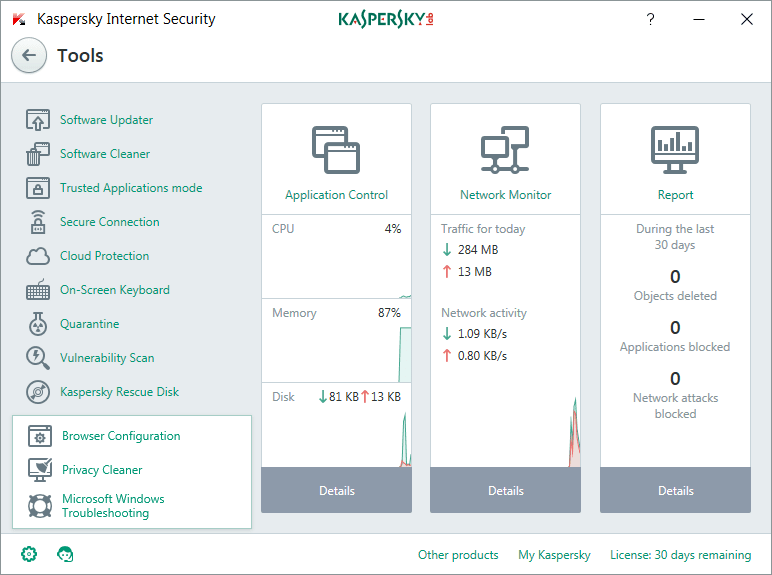
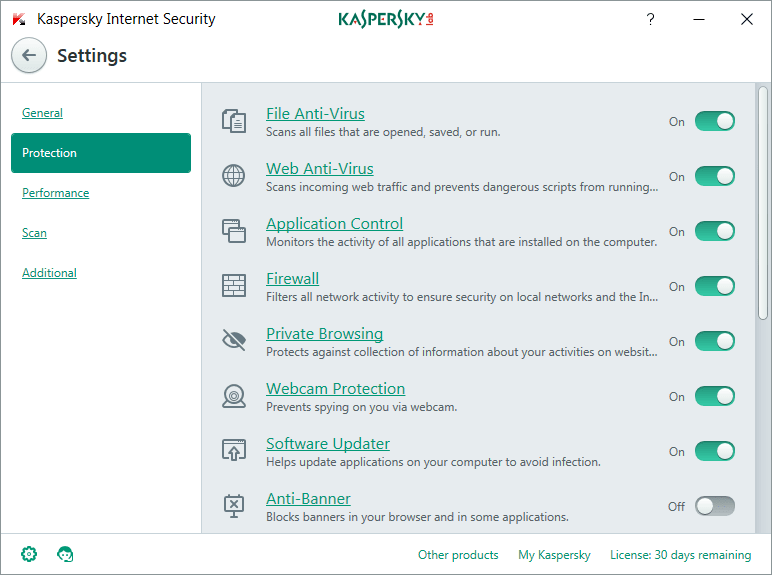
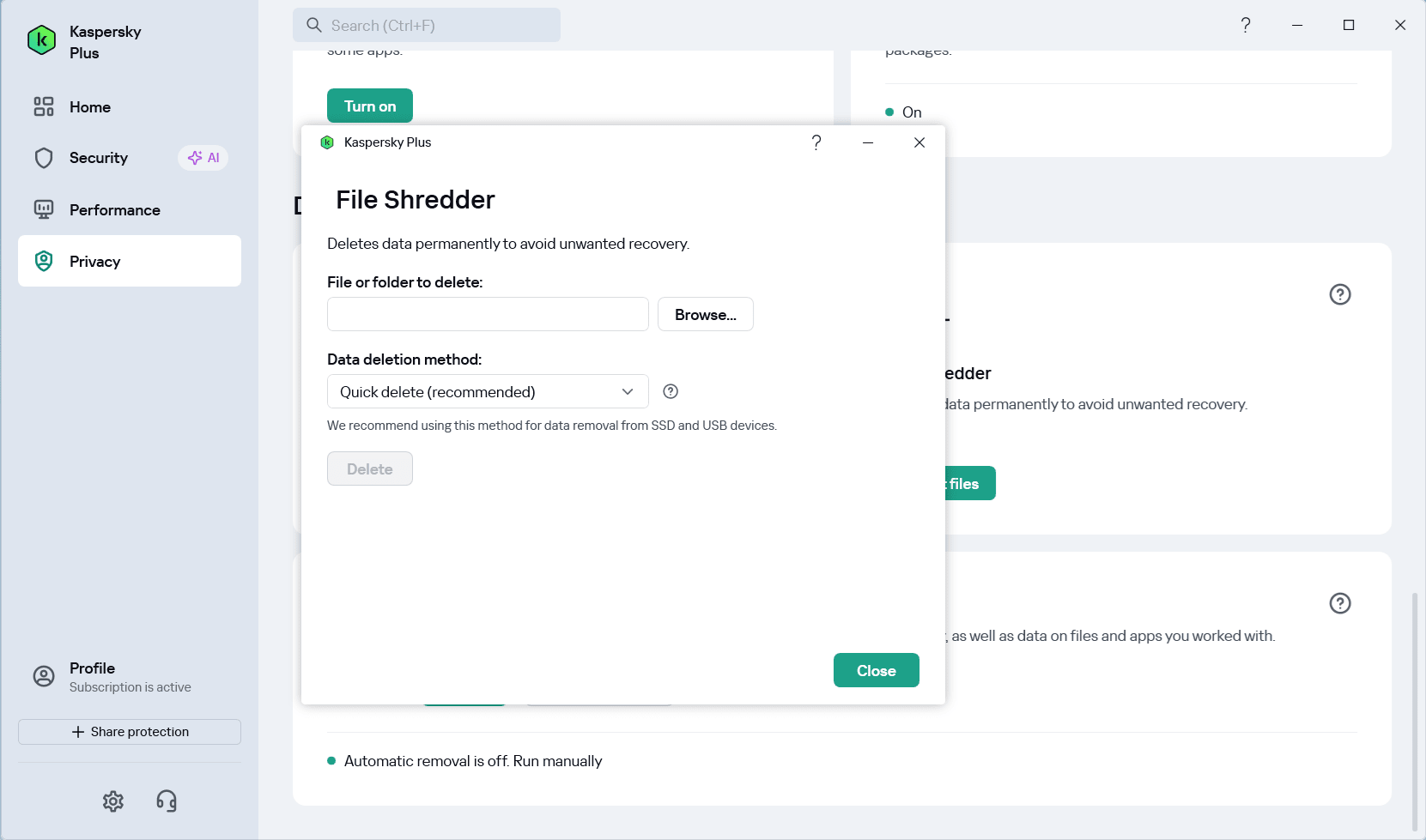
Kaspersky Plus is a software package from Kaspersky that bundles together all the tools needed to keep you safe while browsing the internet. While standard antivirus scanning tools are included in this software, the main focus is still on safety and security features specifically designed for your browser. Today, it is sold under the updated name Kaspersky Plus, while formerly it was named Kaspersky Internet Security. Prospective users should also note that Kaspersky is now banned from sale and operation in the United States.
Parental controls and privacy
It has been designed from the ground up to keep potential threats and privacy breaches away, and it does a great job at just that. It even includes a parental control feature that allows you to set up full control over what your children can or can't access while browsing the internet.Secure browsing and payments
When you install it, an extension for your browser will also install automatically, where applicable. By default, Kaspersky Plus provides a number of safety benefits. For example, it can open more important pages, such as when you pay online, in a separate and more secure browser tab.Anti-tracking and threat protection
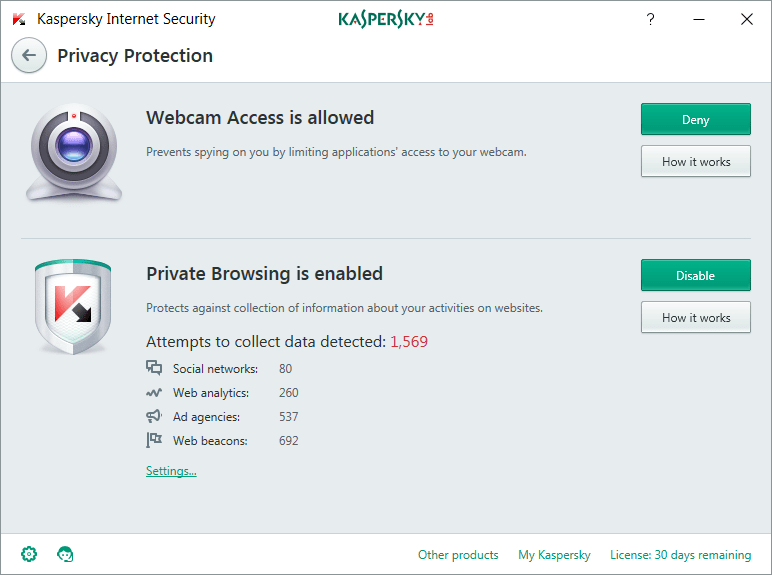
The software can also stop websites and services from tracking your data. This kind of data would usually be used to showcase targeted ads to you, but with Kaspersky's help, it will not be shared with advertisers. A range of built-in threat protection tools are available too. For example, if you navigate to a potentially dangerous website, Kaspersky will block the connection and notify you. You'll then have the choice to continue or to back away from the website.Secure connection and privacy
You can use the secure connection mode to add even more privacy to your browsing. This feature connects you to a VPN and encrypts your data, ensuring your web traffic remains private. With the modern Plus plan, users get access to an unlimited VPN, making it perfect for both standard web browsing and viewing media content like high-definition videos without worrying about data caps.A lightweight footprint
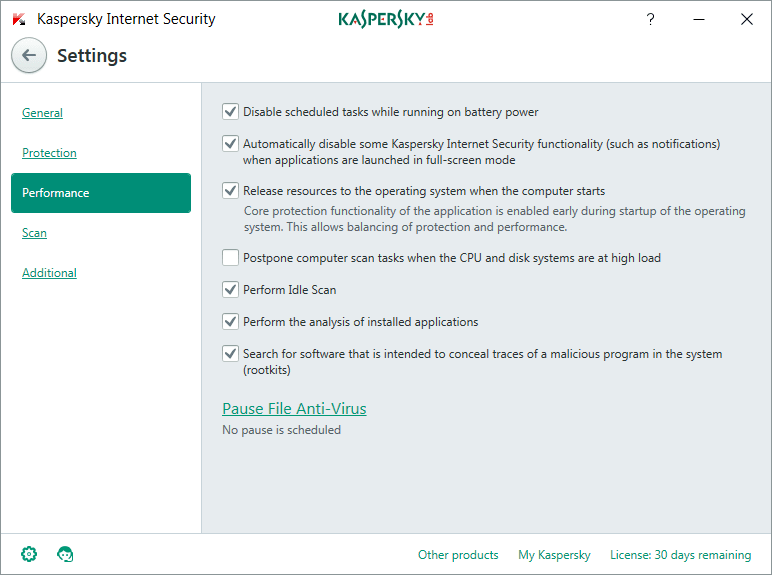
Despite all these great tools, the interface is very simple to navigate. Thankfully, the performance footprint it leaves behind is also very small.